
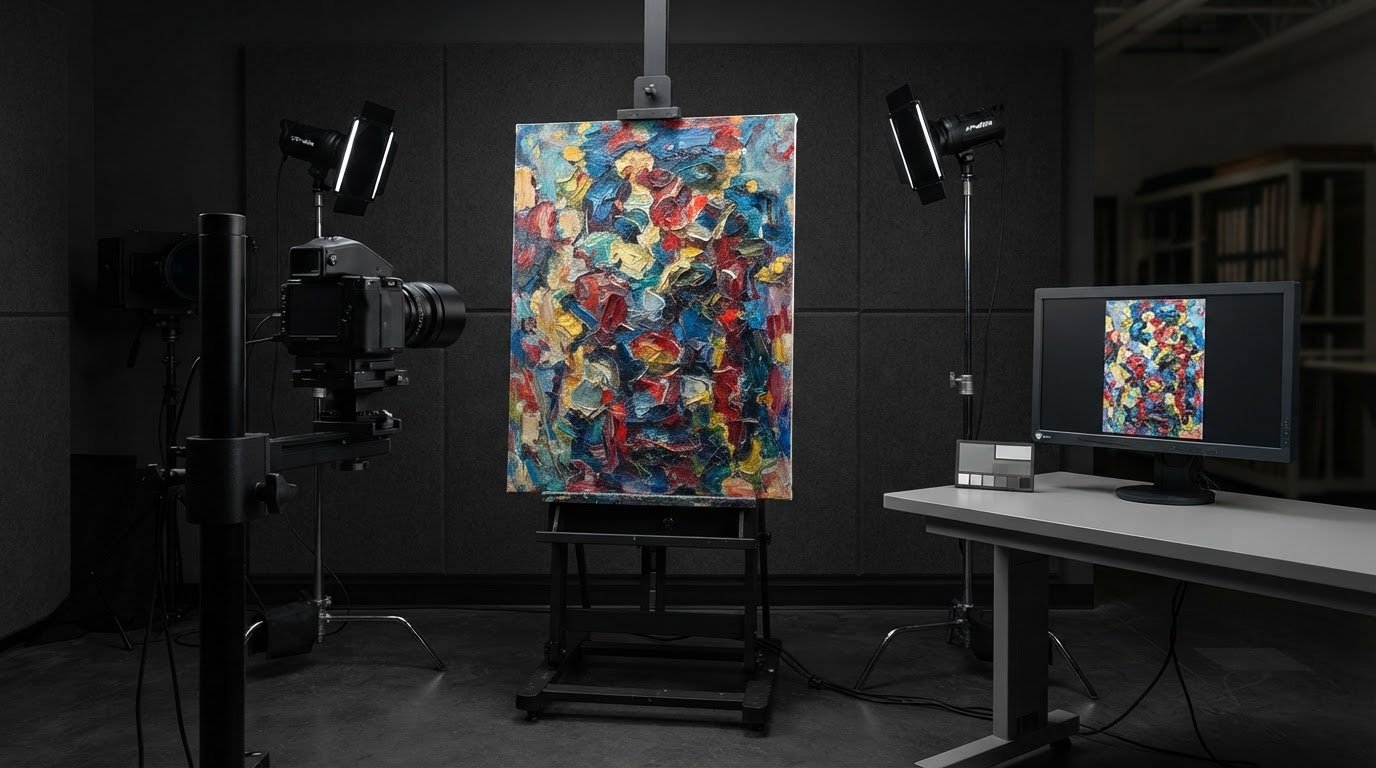
Yes, original paintings can be scanned for print reproduction in Methuen. Standard artwork capture is listed at 100 megapixels, while XL capture offers 400 megapixels for archival use and large prints. For scanning paintings for prints in Methuen, artwork dimensions and intended output help determine the right capture approach.
It’s reasonable to ask whether your original is suitable, what the scan will cost, and whether the digital file can preserve the detail you need. Pricing depends on the artwork’s size and the capture and color-correction work involved. Image-Tec provides a quote based on your project.
This guide explains how resolution, painting dimensions, color matching, and digital capture affect a print-ready reproduction. You’ll learn how scan examples relate to print use and what to consider when reproducing an original painting or preparing an existing digital file.
Key Takeaways
- Match the capture method to the artwork’s dimensions and intended print size; an example of a captured painting measured 52 × 96 inches.
- Standard scans are listed at 100 megapixels, while XL captures offer 400 megapixels for archival use and large prints.
- Consider surface texture, lighting, and reflections when deciding between a scanner and camera-based digital capture.
- Color correction and matching can help bring a digital file closer to the original painting’s appearance.
- Plan the capture and proofing around the final print format, since paper and canvas reproductions may involve different production timelines.
Artwork types and sizes accepted for scanning
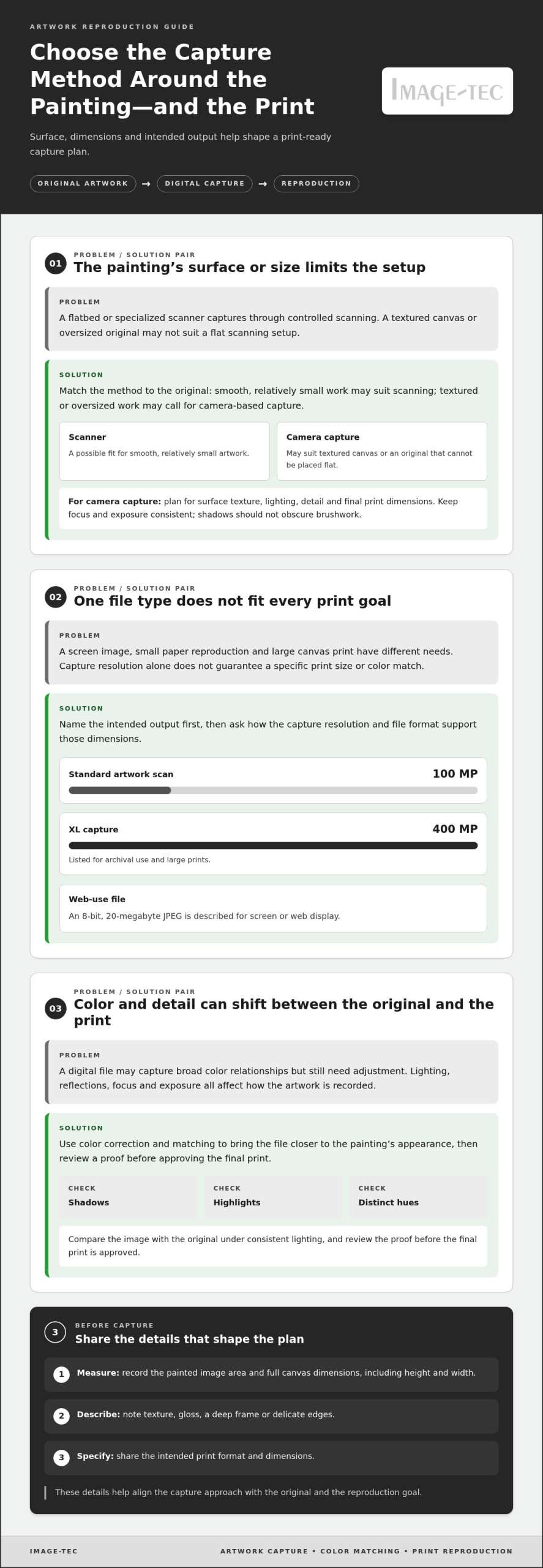
Painting dimensions shape the capture plan and the file’s usefulness for reproduction. Published scan size examples range from artwork up to 8 × 12 inches to work measuring up to 40 × 60 inches. An XL scan category covers artwork up to 24 × 36 inches. These dimensions help frame the practical question: will the original fit the capture method, and what print size should the file support?
The largest painting the scanning service reports capturing measured 52 × 96 inches. That example shows that oversized work can require a different approach from smaller originals. Measure the painted surface, not just the frame, and record the height and width. Note raised texture, a deep frame, or delicate edges too. Those details affect how the artwork can be positioned and captured.
Choose the capture plan by artwork size
Use these size examples to describe the original clearly:
- For a small painting, provide its dimensions and orientation, then compare it with the 8 × 12-inch scan category.
- For a medium original, note whether it falls within 12 × 18 inches or 24 × 36 inches.
- For larger work, record whether it approaches 40 × 60 inches or exceeds that example.
- For a very large canvas, include both dimensions; the reported 52 × 96-inch capture offers a useful reference point.
These examples illustrate different size categories and a high-resolution capture, not a guarantee that every painting suits the same setup. The intended print matters too: a small reproduction may need less detail than a large canvas, while fine brushwork calls for careful capture planning.
Methuen example: two paintings selected
Situation: At a Methuen demonstration, a raffle selected 2 Greater Haverhill Arts Association members to have their artwork scanned. Action: The selected members brought paintings for digital capture. Result: The demonstration included a giclée canvas print of the artist’s painting, provided as a complimentary print. This example connects the original artwork, its digital reproduction, and a finished print.
Before arranging a scan, take three practical steps. First, measure the image area and note the full canvas dimensions. Second, describe the surface, including any texture or gloss. Third, identify the intended print format and size. For scanning paintings for prints in Methuen, these details help determine whether a standard-size or larger capture approach suits the original. Clear measurements make the initial conversation useful and specific.
Scanning versus digital capture
A flatbed or specialized scanner captures artwork through direct, controlled scanning. Camera-based digital capture photographs the work instead. The right method depends on the painting’s surface, dimensions, and intended reproduction. A smooth, relatively small work may suit scanning, while a textured canvas or oversized painting may call for camera-based capture.
Resolution helps explain the difference between capture options. The standard artwork scan is listed at 100 megapixels. The XL scan offers a 400-megapixel capture for archival use and large prints. Those figures describe capture resolution, not a guaranteed print size or color match. The image also needs suitable framing, focus, and tonal detail for its final use.
Compare the file with the print goal
Start by naming the planned output: a screen image, a small paper reproduction, or a large canvas print. A web-only scan includes an 8-bit, 20-megabyte JPEG for screen or web use. That file type and bit depth suit a different purpose from an archival master. For a larger print, ask how the capture resolution and file format support the intended dimensions.
Color correction matters with either method. A digital file may capture the painting’s broad color relationships but still need adjustment before printing. Compare the image with the original under consistent lighting, checking whether the shadows, highlights, and distinct hues look faithful. Review a proof before approving the final print.
Example: choosing between methods
Situation: An artist has a small, smooth painting and wants a screen image. Action: The artist gives the capture technician the artwork dimensions and requests a web-use file. Result: A standard scan may suit that purpose, with the 8-bit, 20-megabyte JPEG serving web display.
Situation: A painter has a textured canvas and plans a large reproduction. Action: The capture plan accounts for surface texture, lighting, detail, and final print dimensions. Result: Camera-based digital capture may better suit an original that cannot be placed flat for scanning. The specific setup should preserve the texture without letting shadows obscure brushwork.
For either approach, prepare the original carefully. Remove loose dust with a gentle method, avoid touching painted areas, and provide the intended print dimensions. If the source is already a digital capture, retain the original file and explain its origin. A professional artwork scanning process can help align capture choices with reproduction needs.
Specialized camera, scanner, lighting, and cross-polarization capture
A Methuen demonstration used a high-resolution scanner to capture a painting. It illustrates one possible approach, but the artwork’s surface and dimensions affect equipment choice. A scanner records an image through controlled contact or close positioning. Camera capture photographs the artwork from a carefully aligned position. Both methods require consistent focus, exposure, and color handling for reproduction.
Lighting matters because varnish, glossy paint, and raised brushwork can reflect light. Reflections may appear as bright patches that hide details in the digital file. Cross-polarization reduces reflected glare by pairing polarizing filters on the lights and camera lens. Adjusting the filters helps control reflections while preserving painted colors. This technique can help with glossy surfaces, though the setup must still show the painting’s texture.
Match equipment to the surface
Use these practical checks before capture:
- For a flat, small work, assess whether a scanner can accommodate its full painted area.
- For a textured canvas, examine how angled light reveals raised brushstrokes and surface relief.
- For glossy varnish, inspect the artwork for reflections, then consider cross-polarized lighting.
- For a large original, compare its dimensions with the camera setup and desired print format.
Resolution also affects the file’s role. The standard artwork scan is listed at 100 megapixels. XL artwork capture offers 400 megapixels for archival purposes and large prints. Those figures describe capture resolution. They do not, by themselves, establish color accuracy, eliminate glare, or guarantee detail at every print size. Lighting and alignment remain part of the capture plan.
Example: controlling glare on a varnished painting
Situation: An artist wants a print from a varnished painting, and a reflection crosses a dark passage. Action: The capture setup adjusts the light angle and uses cross-polarization to reduce glare. The operator checks focus and compares the captured tones with the original. Result: The file can show more of the dark painted area without a distracting reflection.
Situation: A canvas has visible impasto, with thick paint catching directional light. Action: The photographer tests lighting angles and checks whether highlights obscure brushwork. A direct scan may suit a flat original, while camera capture allows lighting adjustments. Result: The selected method can preserve a useful balance between color and visible texture.
Before capture, identify the painting’s finish, surface relief, and planned print use. A simple inspection under steady light can reveal glare and uneven texture. These observations help determine whether scanning, camera capture, or controlled lighting should take priority.
Where can I scan paintings for prints near Methuen, MA?
In Methuen, look for an artwork-scanning service that can capture the original and prepare a reproduction file. A local demonstration offers one example: a raffle selected 2 Greater Haverhill Arts Association members to have their artwork scanned. The demonstration connected digital capture with a finished giclée canvas print. For an artist, that sequence clarifies the practical goal: capture the painting, review the file, then plan the print.
Before arranging a scan, prepare four details: the painting’s height and width, its surface type, the intended print material, and the desired output size. A 12 × 18-inch painting and a 40 × 60-inch painting call for different capture planning. Include the frame dimensions if the frame remains attached. For glossy varnish or raised brushwork, describe the surface because reflections and texture affect the lighting setup.
Ask for a process that connects capture to print preparation. A scan alone creates a digital file; reproduction may also involve correction, color matching, and a proof print. The listed service timeline for scanning, capture, file setup, and test-print preparation is 7 business days. After a test print is approved, paper prints generally require 4 business days, while canvas prints generally require 2 weeks. These stages help you plan around review and production.
Prepare the original for a nearby appointment
Use this checklist before bringing artwork for capture:
- Measure the painted area and record height and width in inches.
- Photograph the front and note any frame, glass, or fragile edges.
- Describe whether the surface is smooth, textured, glossy, or varnished.
- Write down the intended print material, such as paper or canvas.
- Bring a reference image if you have a preferred color appearance.
These details help distinguish a straightforward scan from a project that needs careful lighting, color adjustment, or large-format planning. They also make the first discussion more specific by clarifying print dimensions and how the file will be used.
Situation: Two local artists attend a Methuen demonstration, and a raffle selects their paintings for capture. Action: The artwork is scanned, and one reproduction is made as a Giclée canvas print. Result: The example shows how capture can lead to a finished print. For your painting, define the target format before capture, then compare the proof with the original’s color and detail.
For scanning paintings for prints near Methuen, start with a clear project brief. Include the painting’s dimensions, surface characteristics, and intended print. These details help align the capture plan with the finished reproduction.
Can local print shops scan large paintings, or do they require photography?
Both methods are used. A scanner can capture a painting that fits its scanning area and can be positioned safely. For oversized artwork, camera photography avoids the scanner-bed limit. The choice depends on the painting’s dimensions, surface, and handling needs. A reported capture measured 52 × 96 inches, showing that large paintings can be digitally captured. It does not mean every scanner accepts that size.
Ask how artwork larger than a scanner is captured. A camera setup can photograph a large original without placing it on a flatbed. The camera must face the painting squarely, with even lighting across the surface. Focus and alignment matter: distortion or uneven exposure can complicate reproduction. For raised brushwork, lighting should reveal texture without highlights hiding detail.
A scanner may suit smaller, flat artwork when the entire image area fits the equipment. A large canvas may need photography instead, especially if its dimensions or construction make flat positioning impractical. Neither method alone guarantees a print-ready file. Color adjustment, file preparation, and proofing also affect the result. Set the intended print format before capture so the file can be prepared accordingly.
Use the painting’s size to guide the method
Before choosing a capture method, record the painting’s height and width. Compare those measurements with the scanner’s usable area and the planned print dimensions. Note whether the painting is framed, glossy, or textured. This helps identify practical constraints before moving an original. If the work exceeds the scanning area, discuss camera capture and how lighting will cover the whole surface.
Situation: An artist has a large canvas that cannot lie flat on the available scanner. Action: The capture plan uses a camera, stable positioning, and even illumination across the painting. Result: The digital file can be prepared for print reproduction without placing the whole canvas on a scanner bed.
Situation: A smaller painting fits the scanner but has a glossy surface. Action: The operator assesses reflections before capture and adjusts the method or lighting. Result: The scan can avoid a distracting glare patch that would otherwise obscure painted details.
For a large canvas reproduction, decide the capture method before arranging transport. Provide measurements, surface details, and the desired print format. To plan a reproduction from an oversized original, discuss large painting capture as the next step.
Image-Tec: Giclee Printing Canvas prints up to 60″ wide & custom Framing
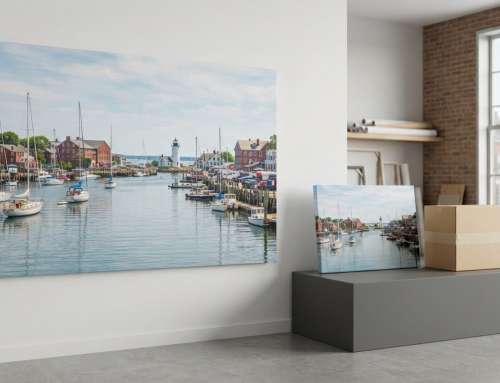
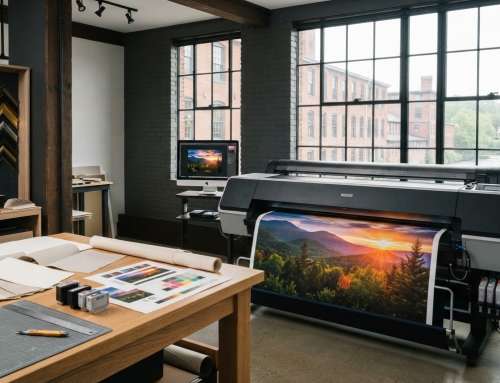
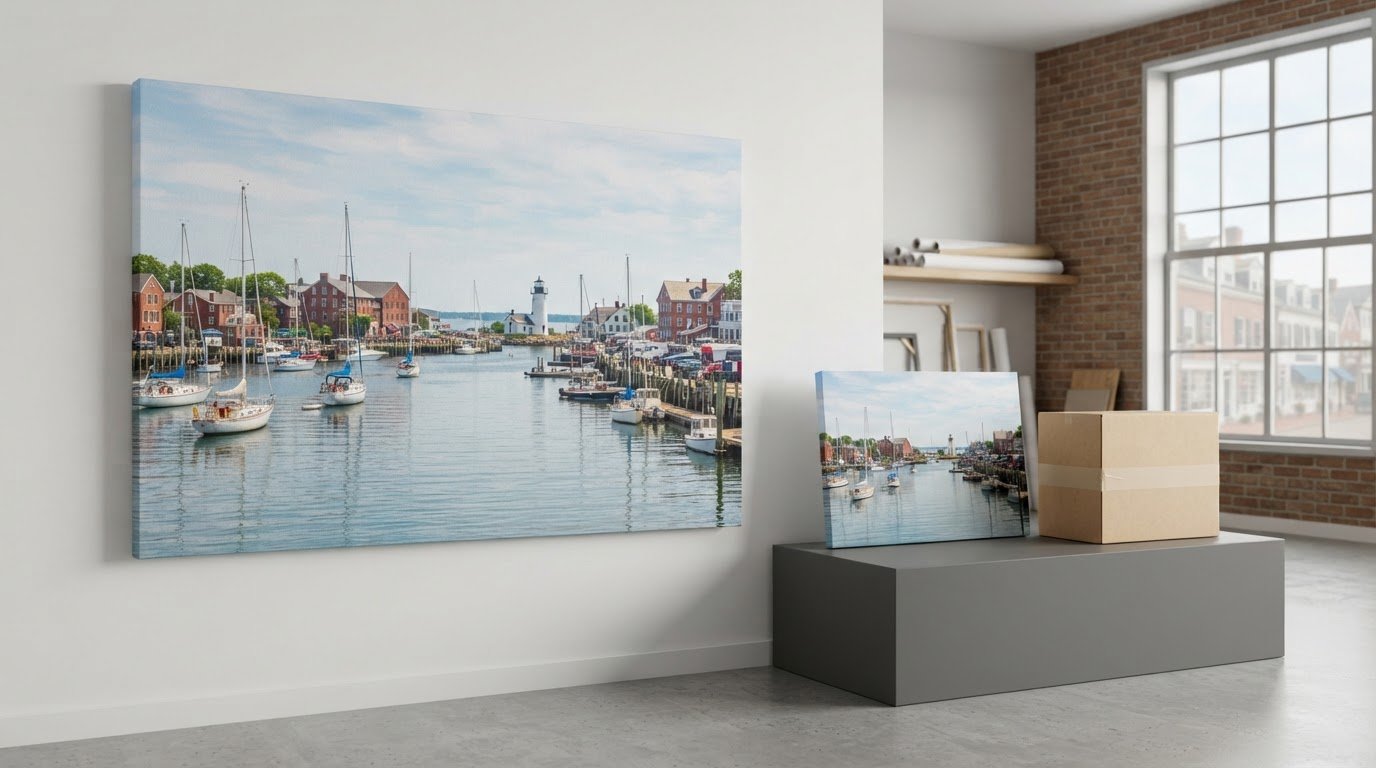
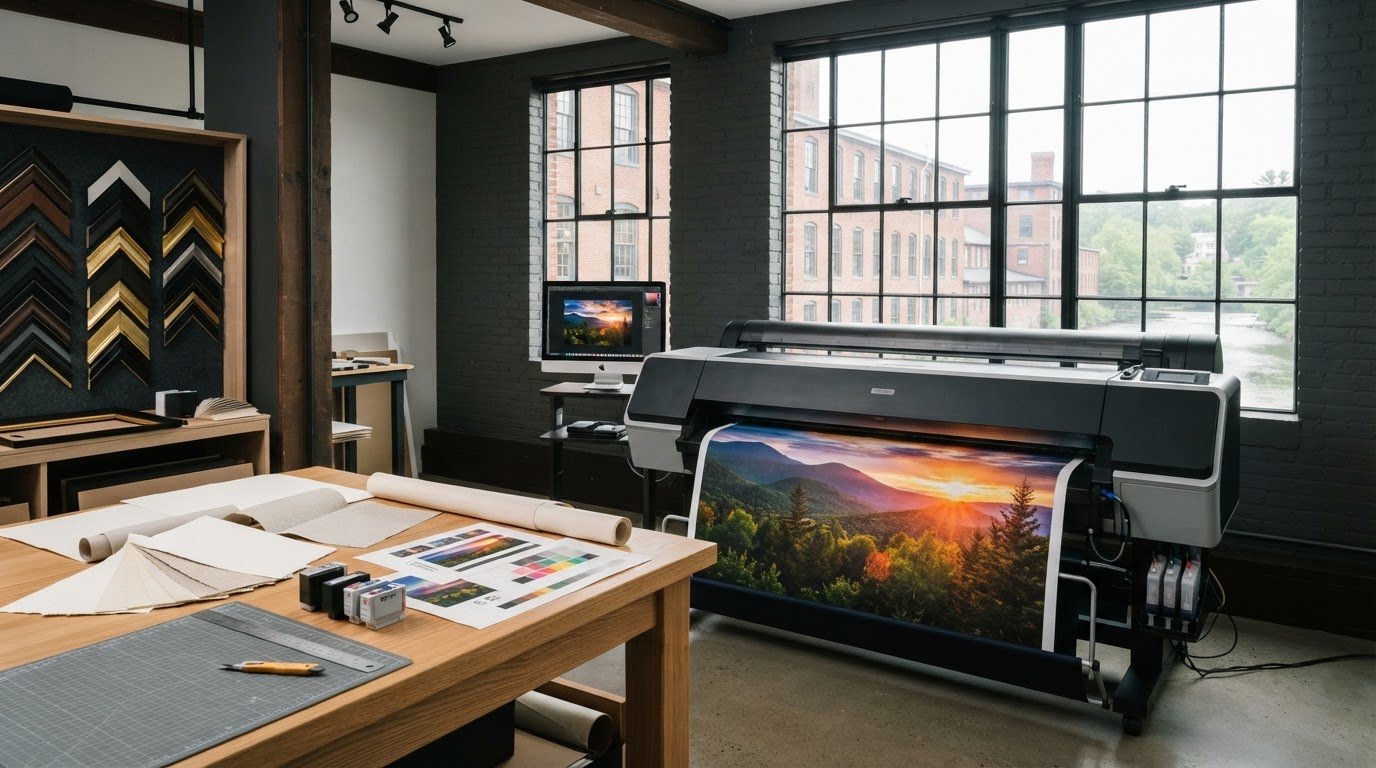
Image-Tec brings artwork capture and reproduction together for artists planning prints from original paintings. BetterLight Scanning supports digital capture, while giclée canvas and fine art prints up to 60 inches wide provide a path from file to finished artwork. Custom framing can complete the presentation.
Turn to Image-Tec for high-resolution digital capture and reproduction, or when you’re ready to turn a prepared image into a canvas or fine-art print. Sharing the painting’s dimensions, surface details, and intended print format helps shape the project around the artwork and its final use.
Contact Image-Tec to discuss scanning or print reproduction for your painting.
Plan the next life of your artwork
A digital master can support more than one print. Before capture, consider how you may use the image later, such as for another reproduction or as a record of your work. Keeping the original file and noting approved print adjustments can make future decisions easier.
A plan for scanning paintings for prints in Methuen should connect the original artwork, its digital file, and the intended finished piece. Image-Tec offers BetterLight Scanning, giclée canvas prints up to 60 inches wide, and custom framing. Its Commercial Photography capability also supports a broader range of image-making needs.
When you’re ready to discuss a painting, share its dimensions, surface, and intended use. That gives the conversation a clear starting point without locking you into a particular print format. Contact Image-Tec about scanning and take the next step toward a considered reproduction.
Frequently Asked Questions
Can I send you my originals for scanning?
Yes. Image-Tec uses BetterLight™ scanning for high-resolution art reproduction, including original paintings. The physical artwork is the source, so you don’t need to supply an existing digital image. Before arranging a handoff, note any fragile edges, loose components, or frame that should remain in place. These details help plan careful handling and prepare the original for capture.
Can you come to my studio and scan my paintings?
Image-Tec provides on-location commercial photography, while BetterLight™ scanning is its service for artwork reproduction. On-location photography is not the same as mobile painting-scanning equipment. For a high-resolution digital reproduction of a painting, BetterLight™ scanning is the relevant service. Share the artwork’s location and project needs when arranging the work.
What about shiny originals and framed pieces?
Glossy varnish and glazing can create reflections that interfere with captured details. For a framed piece, tell the scanning team whether glass covers the artwork and whether the frame must stay intact. Don’t remove glass or hardware yourself if doing so could put the painting at risk. The capture plan can account for the surface and presentation before work begins.
What types of artwork can you scan?
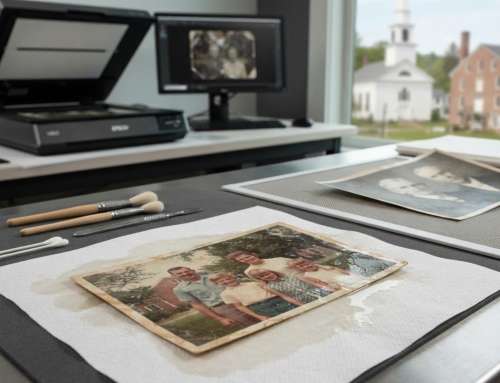
BetterLight™ scanning is used for fine-art reproduction, including original paintings. Image-Tec also provides professional photo scanning to digitize photographic originals. For a mixed project, such as a painting alongside a reference photograph, identify each source separately. This clarifies whether you need artwork reproduction, photo digitization, or both, and how each image will be used.
Which Methuen-area businesses offer high-resolution fine art scanning?
Image-Tec in Methuen provides BetterLight™ scanning for high-resolution art reproduction. For scanning paintings for prints in Methuen, describe the original and how you plan to use its digital file. This connects the capture to your reproduction goal, whether an archival image or a future fine-art print. Image-Tec also offers Giclée printing and custom framing as related next steps.
How much does fine art scanning cost near Methuen, Massachusetts?
The cost depends on the artwork and the work needed to prepare its digital file. Image-Tec provides a quote based on the project. Key factors include the painting’s dimensions, capture requirements, file setup, correction, and color matching. An image for web use may need different preparation from a file intended for detailed print reproduction. Describe the artwork and intended output so the quote reflects the project.
What resolution and file formats should I request when scanning a painting for prints?
Choose resolution and file format according to the largest intended print and whether you need an archival master. Standard artwork scans are listed at 100 megapixels, with XL capture at 400 megapixels for archival use and large prints. A web-only scan is an 8-bit, 20-megabyte JPEG, suited to screen use. For print production, state your intended format and ask for a file appropriate to that use.
How should I prepare and transport a painting for scanning?
Protect the painted surface from contact during transport. Use a clean cover that doesn’t press against the paint, and secure the painting so it can’t slide inside its carrier. Keep loose hardware separate and label it. For a framed work, protect the corners and glazing from impact. Include a note with the artwork’s title and any handling concerns so the right piece and details stay together.



Leave A Comment
You must be logged in to post a comment.