
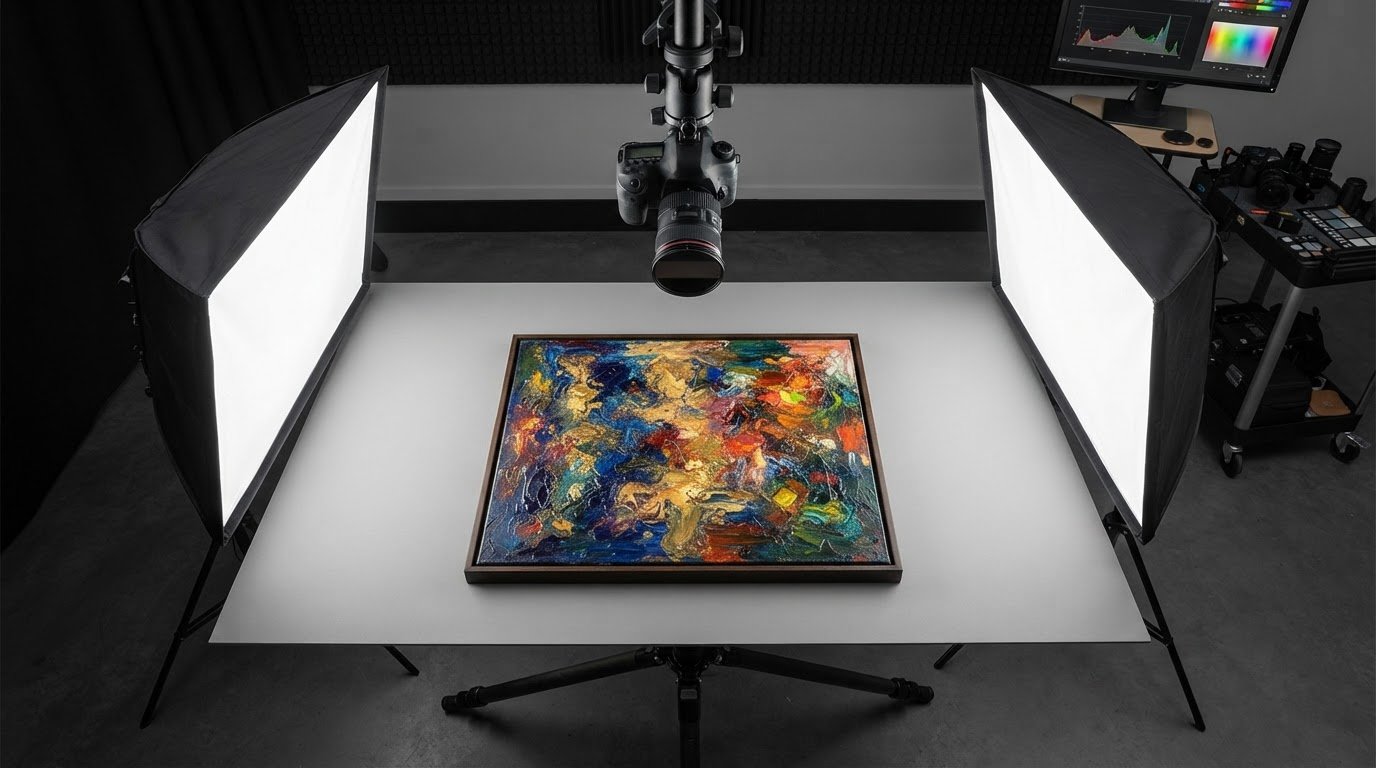
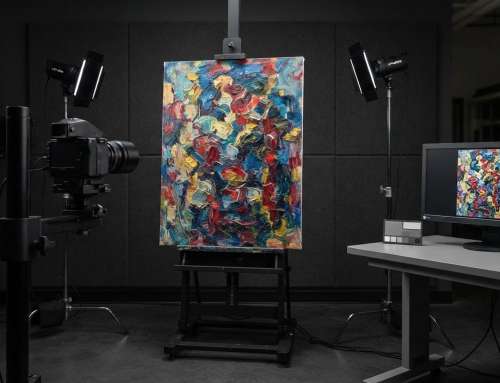
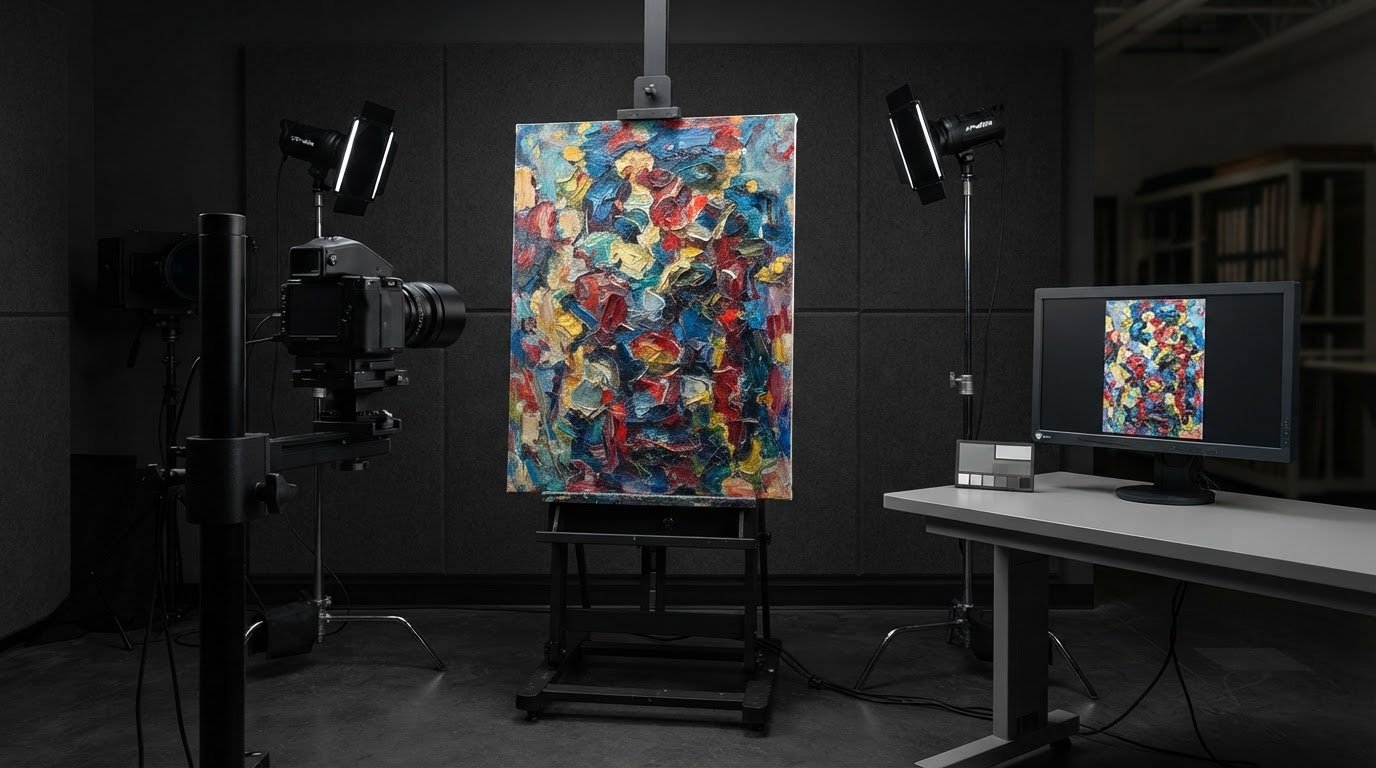
Even lighting, not simply more light, is the key to reducing reflections on artwork. A practical starting point for avoiding glare when scanning artwork is to place two lights on either side of a flat piece, each at a 45-degree angle. This spreads illumination across the surface while helping keep direct reflections out of the image.
Glossy varnish, oil paint, and raised texture make that balance harder to achieve. A setup that works for a matte print may still create bright spots on a reflective painting, so careful light placement and diffusion are essential.
This article explains how softened, evenly positioned lights can help, when polarising filters are useful, and how flatbed scanning compares with a camera kept parallel to the artwork. You’ll also learn where reflections can persist, so you can choose a method suited to the surface and the image you need.
Key Takeaways
- For flat artwork, placing two lights at 45-degree angles can spread illumination while helping keep reflections out of the image.
- Glossy or varnished surfaces may benefit from polarising material over the lights paired with a polarising filter on the lens.
- A flatbed scanner’s diffused light can help with glare, but reflective surfaces may still need a different capture approach.
- Keep the camera parallel to the artwork to reduce distortion and preserve the piece’s proportions.
Positioning two lights to illuminate artwork evenly
For an existing scan, try a Levels adjustment layer set to Difference blending mode to darken blue reflections. Duplicate the layer only if the dark areas remain natural. For the original capture, soften and position the light carefully: editing cannot restore artwork detail hidden by strong reflections.
Soft Indirect Light
Soft, indirect light reaches the artwork after scattering rather than shining directly onto its surface. For example, position a piece near a bright window but outside the direct sunbeam. This broad, gentle illumination can reduce harsh highlights and shadows across a flat print. If the light still appears concentrated, diffuse it with an umbrella or softbox, then inspect the surface before photographing.
Balanced Two-Light Placement
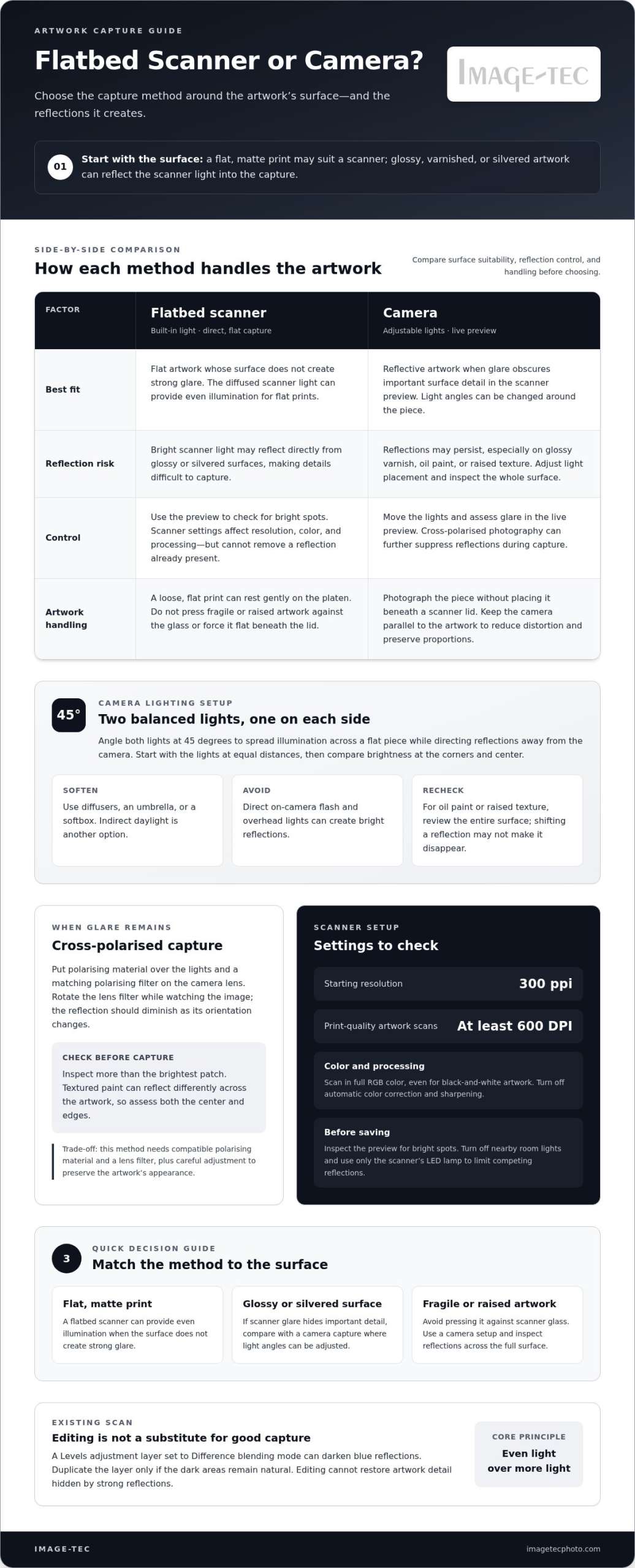
Balanced two-light placement uses a matching light on either side of the artwork, each angled at 45 degrees. This arrangement helps illuminate a flat print evenly while directing reflections away from the camera. Start with both lights at equal distances, then compare the corners and center for brightness differences. Diffusers soften each source; moving a light closer can soften it further, but reduce its strength if the artwork becomes too bright.
Lighting to Avoid
Avoid direct on-camera flash and overhead lights, which can create bright reflections on artwork. Turn them off and use diffused lamps or indirect natural light instead. For a glossy sealant, photograph without flash in indirect daylight, then check the image for hotspots. Oil paint and raised textures need particular care: shift the lights slightly and review the entire surface, since a reflection may move without disappearing.
Highly diffused light can prevent visible glare in many cases. Fine-tune the light positions to create soft, even illumination and minimize reflections.
Using polarising filters for glossy or varnished artwork
Glossy varnish and reflective paint can bounce light directly toward the camera or scanner. Polarisation offers an optical way to reduce reflections before they obscure surface detail.
Polarising Filters on Glossy Artwork
A polarising setup puts polarising material over the lights and a polarising filter on the camera lens. Together, they can reduce reflected glare from glossy or varnished artwork. This is useful when a bright hotspot hides brushwork, colour, or fine surface detail in a photograph.
Position the lights to illuminate the artwork, then rotate the lens filter while watching the image. The reflection should diminish as the filter changes orientation. Check several areas, not just the brightest patch, because textured paint can reflect differently across the surface. For a large piece, assess the centre and edges before capturing the whole image.
Cross-Polarized Photography and Scanning
Cross-polarised photography uses polarising material on the lights and a matching filter on the lens to suppress reflections during capture. Its advantage is adjustable light placement and a live camera preview, letting you assess glare before taking the photograph. The trade-off is that it requires compatible polarising material and a filter, along with careful adjustment to preserve the artwork’s appearance.
Scanning can provide even illumination across flat artwork, and a flatbed scanner’s diffused light often helps reduce glare. However, the bright scanner light can reflect directly from glossy or silvered surfaces, making some details difficult to capture. Cross-polarised photography offers more control over reflection angles, while scanning provides a direct, flat capture when the surface is suitable.
Are there scanner features designed to reduce glare from glossy artwork? A scanner’s diffused light can help, but its bright illumination may still reflect off the surface. Preview the result and compare it with a camera capture if glare obscures important details.
Scanning flat artwork
A flatbed scanner’s diffused light can work well with flat prints, but its bright light source may still reflect off glossy or silvered surfaces. Choose settings for the intended output, and avoid pressing fragile or textured artwork against the platen.
Flatbed Scanner or Camera
A flatbed scanner captures flat artwork under its built-in light, while a camera photographs the piece without placing it beneath a scanner lid. For a matte print, scanning can provide even illumination. For a reflective painting or silvered image, the scanner light may bounce directly into the capture; a camera lets you change the light angles instead.
Should you use a flatbed scanner or a camera for reflective artwork? Try a camera if reflections obscure important surface detail in the scanner preview. Use the flatbed when the artwork lies flat and its surface doesn’t create strong glare.
Scanner Settings for Glare-Free Results
Scanner settings control capture resolution, color information, and automatic processing, but they cannot eliminate a reflection already present on the artwork. Set the scanner to 300 pixels per inch as a starting point; print-quality artwork scans should use at least 600 DPI. Scan in full RGB color, even for black-and-white artwork, and turn off automatic color correction and sharpening.
To scan without glare, use the scanner settings and inspect the preview for bright spots before saving. Turn off nearby room lights and use only the scanner’s LED lamp to limit competing reflections.
Safe Scanning Practices
Scan safely by supporting the artwork without forcing it flat beneath the lid. Place a loose, flat print gently on the platen, and don’t press a raised painting or delicate surface against the glass. A lid or backing can affect the capture if it presses unevenly or reflects light; keep the piece stable without adding pressure.
Can the lid or backing create glare or uneven lighting? Reflections can come from the scanner’s bright light, while uneven contact can leave the artwork poorly positioned. If the lid won’t close freely, scan without forcing it and use a camera for raised or fragile work.
Using a tripod to keep the camera parallel to the artwork
A tripod makes it easier to control the camera’s position when photographing a flat piece. Keep the camera exactly parallel to the artwork to avoid distortion or keystoning, where rectangular edges appear to converge instead of remaining straight.
Set the artwork upright or flat, then position the camera so its lens faces the centre of the piece. Align the camera’s sensor plane with the artwork’s surface instead of aiming down from above or up from below. A tripod helps hold that alignment steady as you refine the composition.
- Secure the artwork so it cannot shift during framing.
- Center the lens on the artwork’s midpoint.
- Adjust the tripod head until the camera faces the artwork squarely.
- Check the frame’s corners and edges for converging lines or uneven borders.
- Make small alignment changes, then review the frame again before capturing.
Use the camera’s grid display or a level to check alignment. If the artwork’s vertical edges lean inward, the camera may be tilted; if opposite edges differ in length, it may not be parallel. Correct the position before capture to preserve the piece’s proportions and reduce the need for perspective correction later.
This method also supports consistent framing across several pieces. Keep the tripod and artwork positions fixed, then change only the artwork between captures. For reflective surfaces, remember that a parallel camera does not remove glare on its own. Combine careful alignment with controlled light placement, and check the preview for hotspots before taking the final image.
If your project needs a broader photographic workflow, explore Image-Tec’s Commercial Photography.
Once the camera is aligned, use settings suited to the artwork. A camera with at least 20 megapixels is recommended for photographing artwork, and the recommended camera ISO is 100-200. Keep the setup steady as you check the image, and adjust exposure settings without changing the camera’s parallel position.
For related scanning setups, a contributor reported using a 1.9x zoom setting on a previous camera for book scanning, while one contributor used ISO 80 for a Canon camera book-scanning setup. Another contributor recommended turning off nearby room lights and using only the scanner’s LED lamp to reduce glare. A contributor also reported eliminating glare by removing the glass pane between the page and camera and holding pages flat with fingertips.
Image-Tec: Giclee Printing Canvas prints up to 60″ wide & custom Framing
Image-Tec provides BetterLight scanning for artwork that needs precise digital capture, including pieces whose reflective surfaces make home scanning difficult. This controlled scanning approach creates a digital file for reproduction while retaining detail needed for later use.
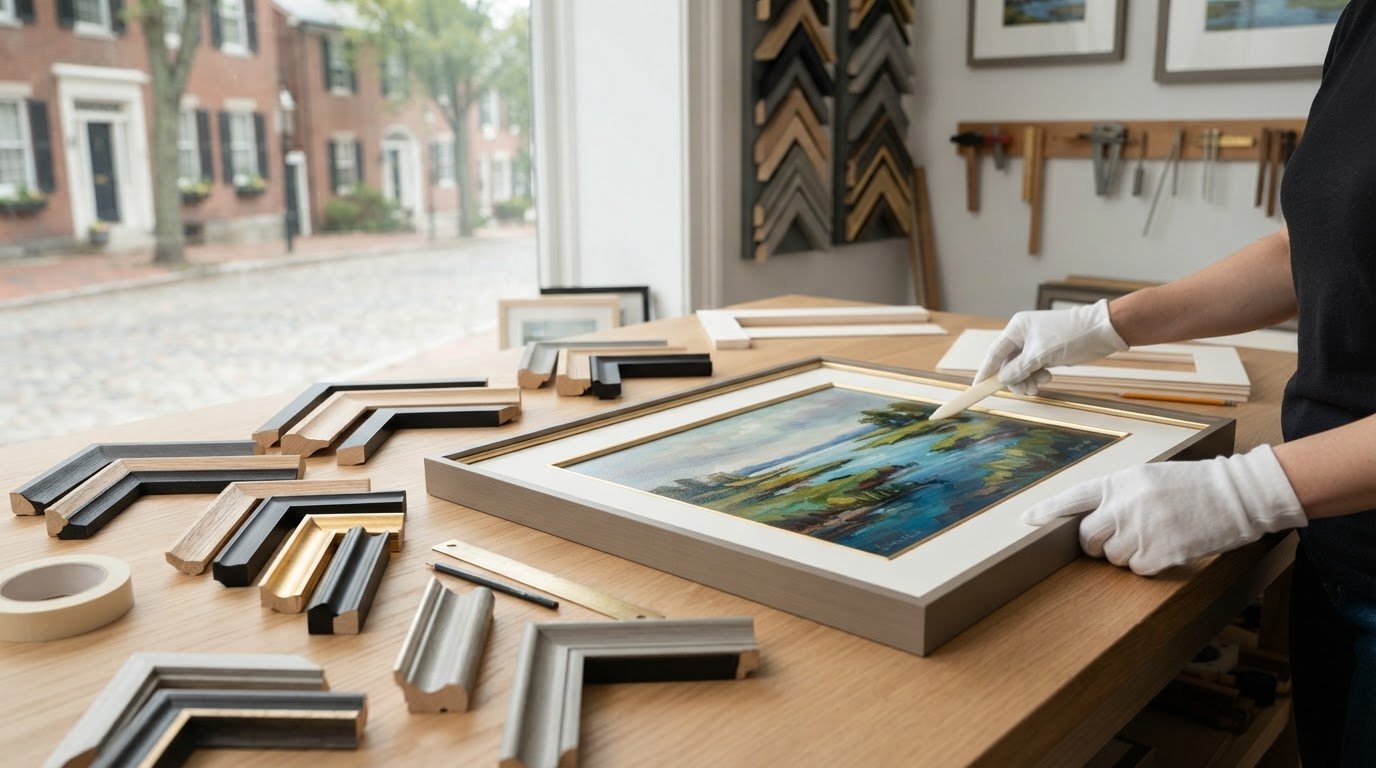
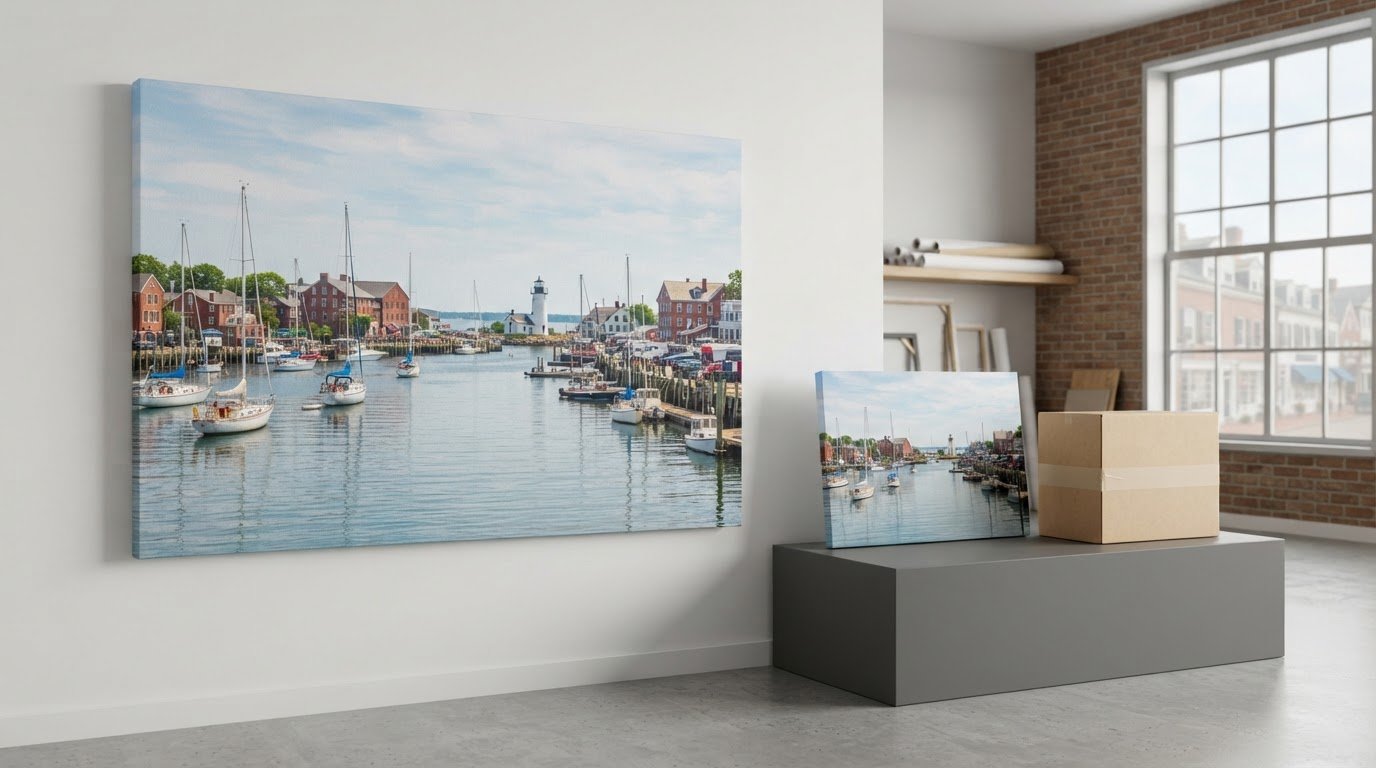
When the next step is a finished print, Image-Tec also produces Giclee canvas prints up to 60 inches wide and offers custom framing. These services connect digital capture with a finished presentation, whether you’re preparing one artwork for display or planning a larger reproduction.
For careful artwork capture or a print-ready finish, contact Image-Tec to discuss your project.
Prepare Your Artwork for Its Next Use
First, decide what the digital image needs to preserve. A record for viewing may prioritise the overall composition, while a reproduction may require close attention to colour, surface texture, and fine detail. Keeping the intended use in mind helps you assess whether your capture method is suitable before spending time on adjustments.
As you refine your process for avoiding glare when scanning artwork, compare the captured image with the original under even viewing light. Check for details lost in reflections, uneven tones, or changes in perspective. If those issues remain, professional artwork scanning can be a practical next step toward a digital image suited to your project.
Image-Tec can help with artwork scanning and the next stage of preparing artwork for reproduction. Contact Image-Tec about artwork scanning to discuss what you’re working to capture. With a clear purpose for the image, you can move forward with greater confidence.
Frequently Asked Questions
How can I avoid glare when scanning glossy artwork?
When avoiding glare while scanning artwork with a glossy finish, compare a scanner preview with a camera test before choosing the final capture. If bright patches hide painted marks in the preview, photograph the piece instead and adjust the light direction. Review the whole image, including corners and textured areas, so reflections elsewhere aren’t overlooked just because the centre looks clear.
How can I reduce reflections from glossy prints with lighting and polarizing filters?
Use diffused light and check reflections in a test frame before capturing the complete print. For greater control, place polarising material over the lights and fit a polarising filter to the lens. Rotate the lens filter while watching the preview, then inspect both the darkest and brightest areas. This can reduce reflections while keeping the print’s tones and fine surface detail visible.




Leave A Comment
You must be logged in to post a comment.